How I Vibecoded This Website Using Claude Code
A transparent look at building an entire website through AI conversation. AI built it, AI documented it.
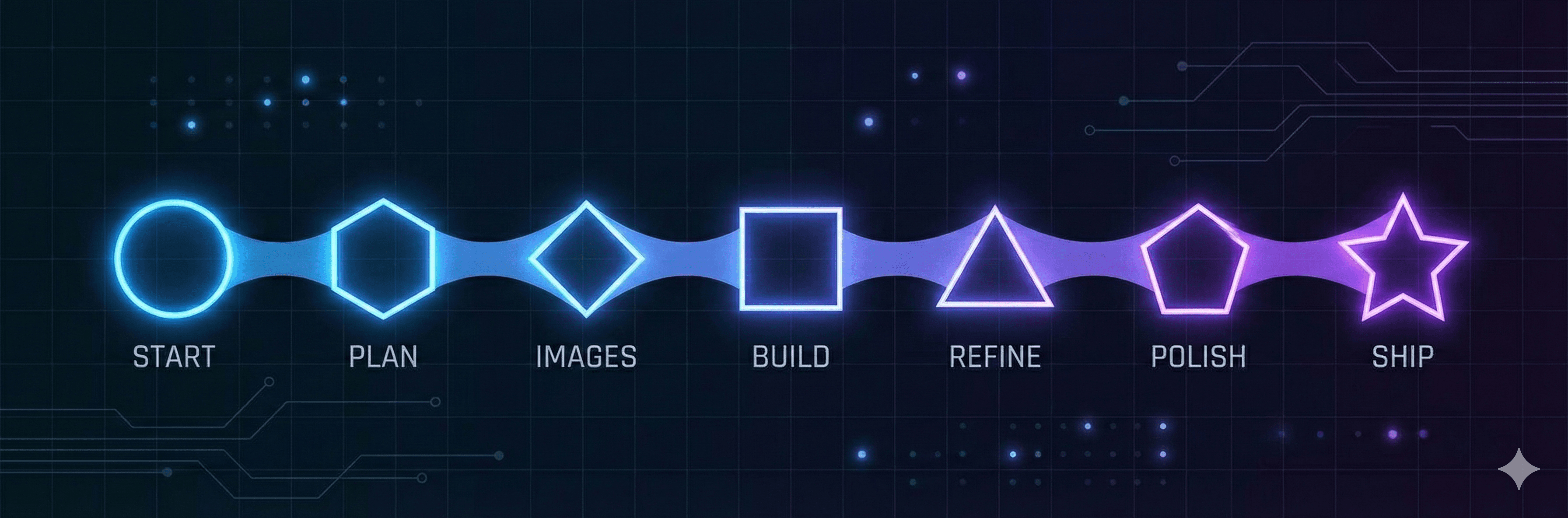
From Idea to Production
Start
Shared README, asked for website proposal
Plan
Comprehensive plan created
Images
Generated AI images
Build
Full website scaffolded
Refine
Background & copy updates
Polish
Design plugin applied
Ship
Final cleanup & blog
Hover over each step to see the actual prompts used
You're reading a blog post written by AI, documenting a website built by AI. The recursion is intentional—and so is the transparency.
Why Vibecode a Website?
Three reasons drove this experiment
Speed
I wanted to see how fast AI could take a project from concept to production. The answer: faster than I expected.
Curiosity
As someone building AI-native security tools, I wanted to experience firsthand what it's like to build with AI—the same way our users will.
Meta-appropriateness
SecureVibes is about securing vibecoded apps. What better way to understand vibecoders than to become one?
What Surprised Me
Unexpected discoveries along the way
Design coherence exceeded expectations
I expected functional but generic designs. Instead, the visual system felt intentional—color relationships made sense, spacing was consistent, typography hierarchy was clear.
Browser automation changed everything
Being able to test changes live during the conversation made iteration cycles incredibly fast. No need to context-switch between tools.
The 80/20 rule held
AI handled 80% of the work autonomously. The remaining 20%—brand voice, messaging tone, removing over-engineered features—required human judgment. But that 20% is where the personality lives.
What This Means for Vibecoders
The quality of your prompts directly impacts outcomes. Clear, specific prompts yield better results than vague requests. Knowing when to trust the AI and when to override it makes the difference between generic output and distinctive design.
The Prompts That Shaped Everything
Real prompts from the conversation, real results
“Act like an expert web designer and Use the frontend design skills to propose a website for this project. Its mostly going to be a static website for now... I also want a blog section”
“Instead of 'Vibecoded Apps Need Vibecoded Security', I want something that conveys vibecoders need to know exactly what the problem is, why its important and what to do about it”
“Include more cards that cover: Vibecoders want to know how can someone hack their apps, and Vibecoders are not security experts and need a security assistant”
“I would like to change the white background to something more subtle, sophisticated”
“use the frontend design plugin to polish the design a little bit more”
“i dont think anything changed? use the chrome browser to test your changes”
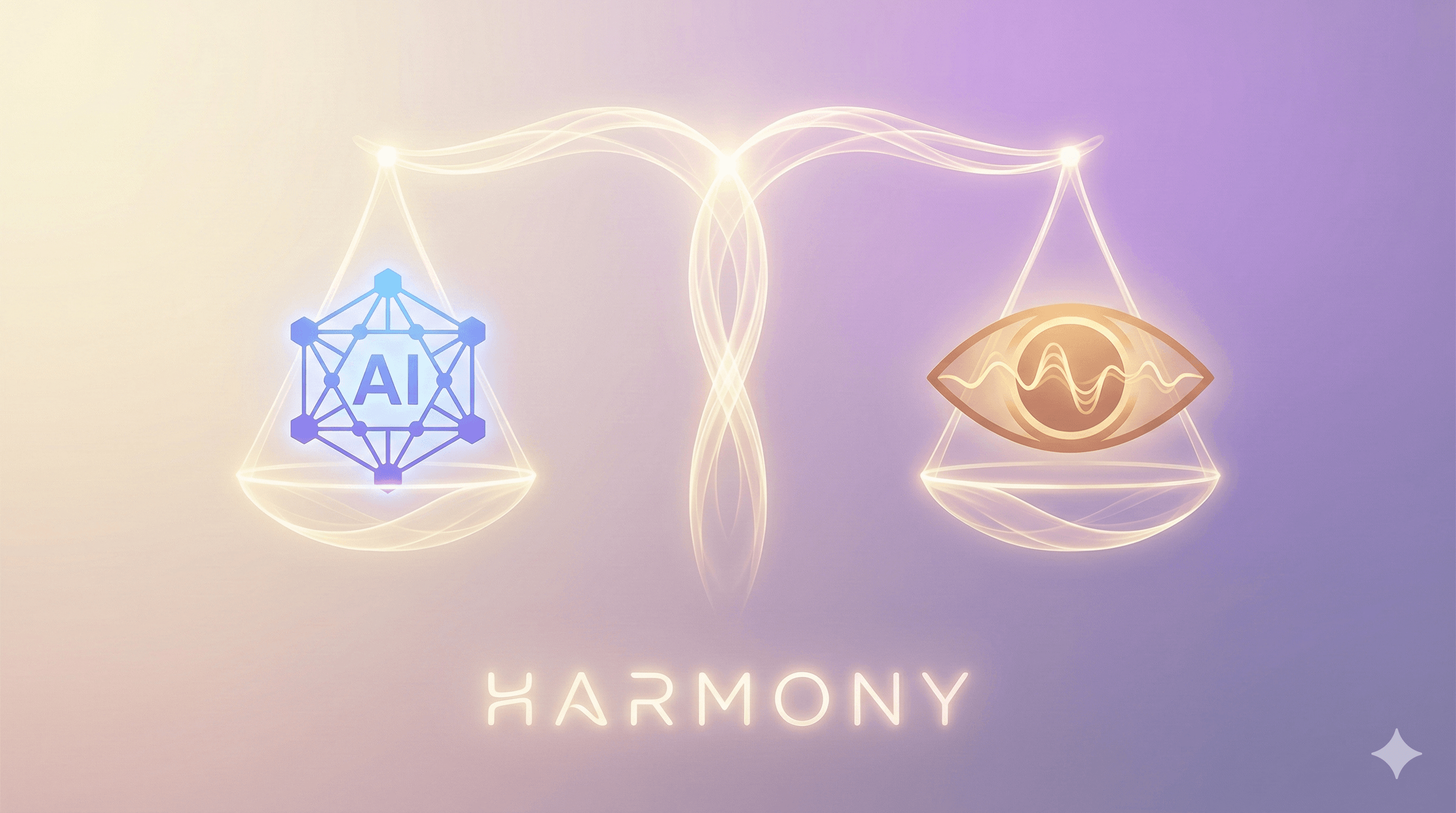
The Collaboration Balance
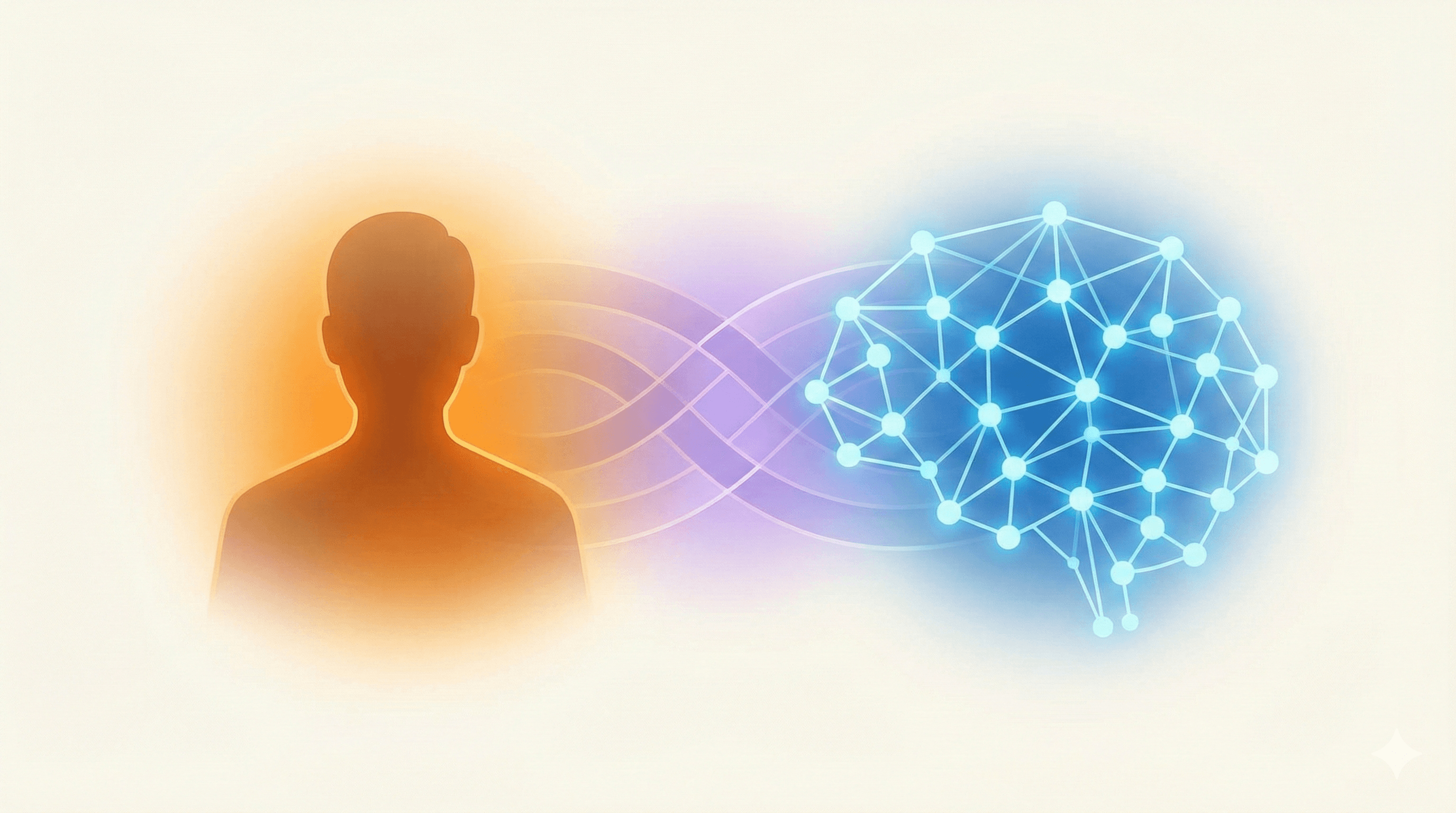
AI handled the heavy lifting, humans steered the vision. Here's how the work divided.
AI Handled
Automated & Generated
Human Steered
Directed & Refined
The key insight: AI excels at implementation, humans excel at intention. The best results come from leveraging both.
What I Learned
After countless iterations—here are the takeaways.
AI + Human > AI Alone
The best outcomes came from AI handling execution while humans guided intention. Neither alone would have achieved the same result.
Know When to Trust
AI excelled at technical architecture, code organization, and design coherence. Trust it with implementation details.
Know When to Override
Brand voice, messaging tone, and subjective design preferences needed human judgment. Don't accept the first suggestion blindly.
Iteration Speed Matters
Being able to test changes instantly with browser automation made refinement cycles incredibly fast and effective.
Prompts Are Design Decisions
The quality of your prompts directly impacts outcomes. Clear, specific prompts yield better results than vague requests.
Transparency Is Strength
Being open about AI-assisted creation builds trust. Meta-awareness (AI writing about AI) can be a feature, not a bug.